

Collection: SATA SSD
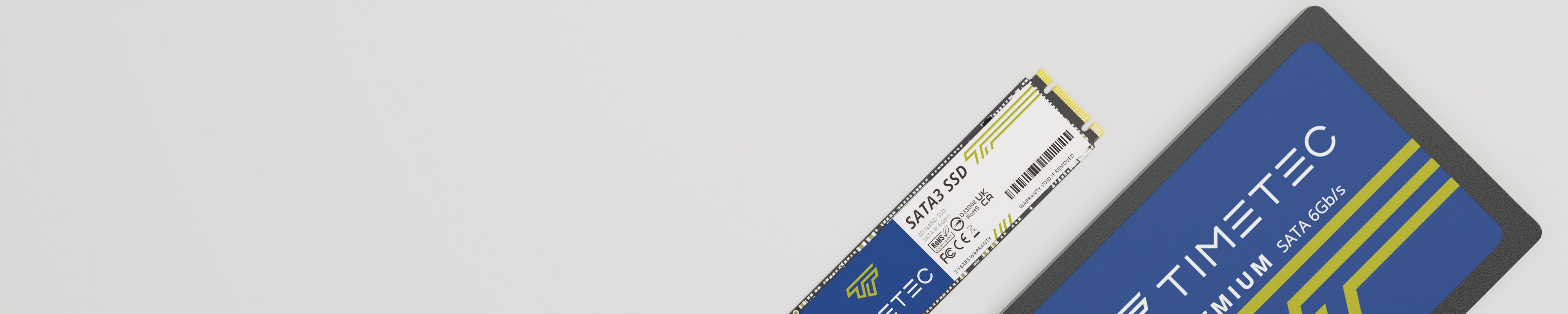
-
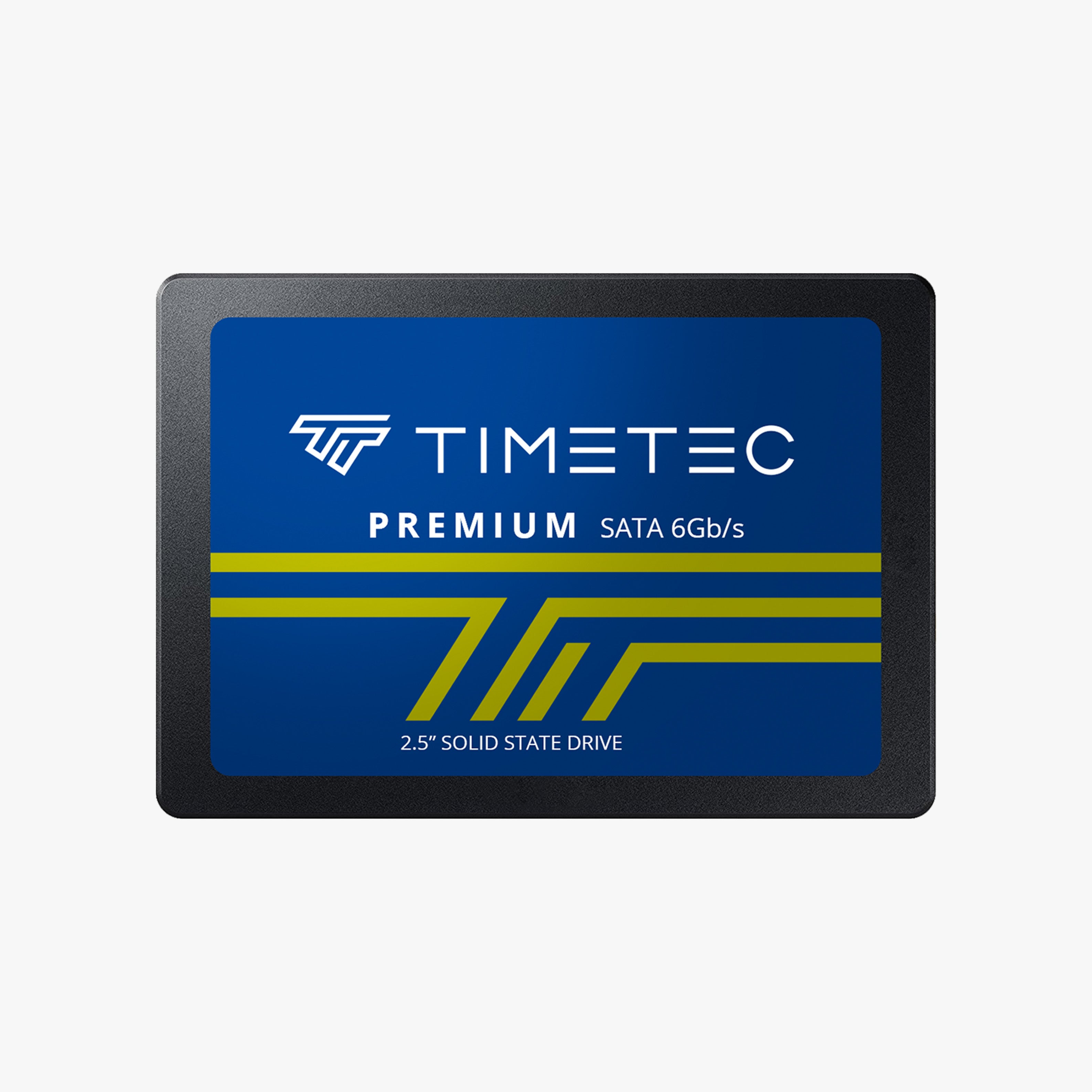
TIMETEC PREMIUM 2.5" SATA SSD
 Vendor:TIMETEC
TIMETEC PREMIUM 2.5" SATA SSD
- Regular price
- From $38.99
- Sale price
- From $38.99
- Regular price
-
-
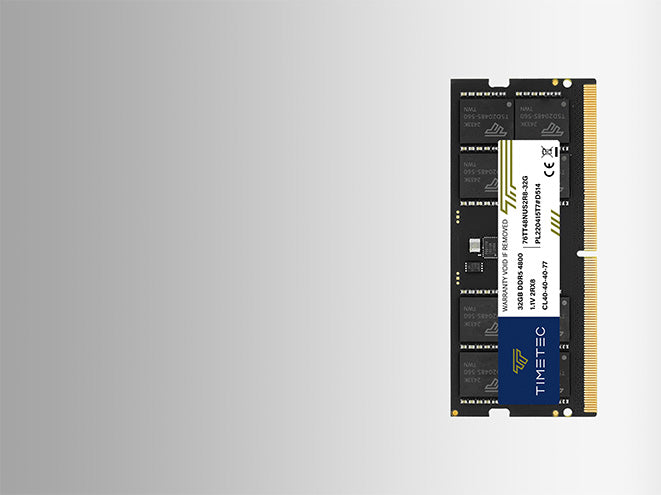
TIMETEC PREMIUM M.2 SATA SSD
 Vendor:TIMETEC
TIMETEC PREMIUM M.2 SATA SSD
- Regular price
- From $20.99
- Sale price
- From $20.99
- Regular price
-
-
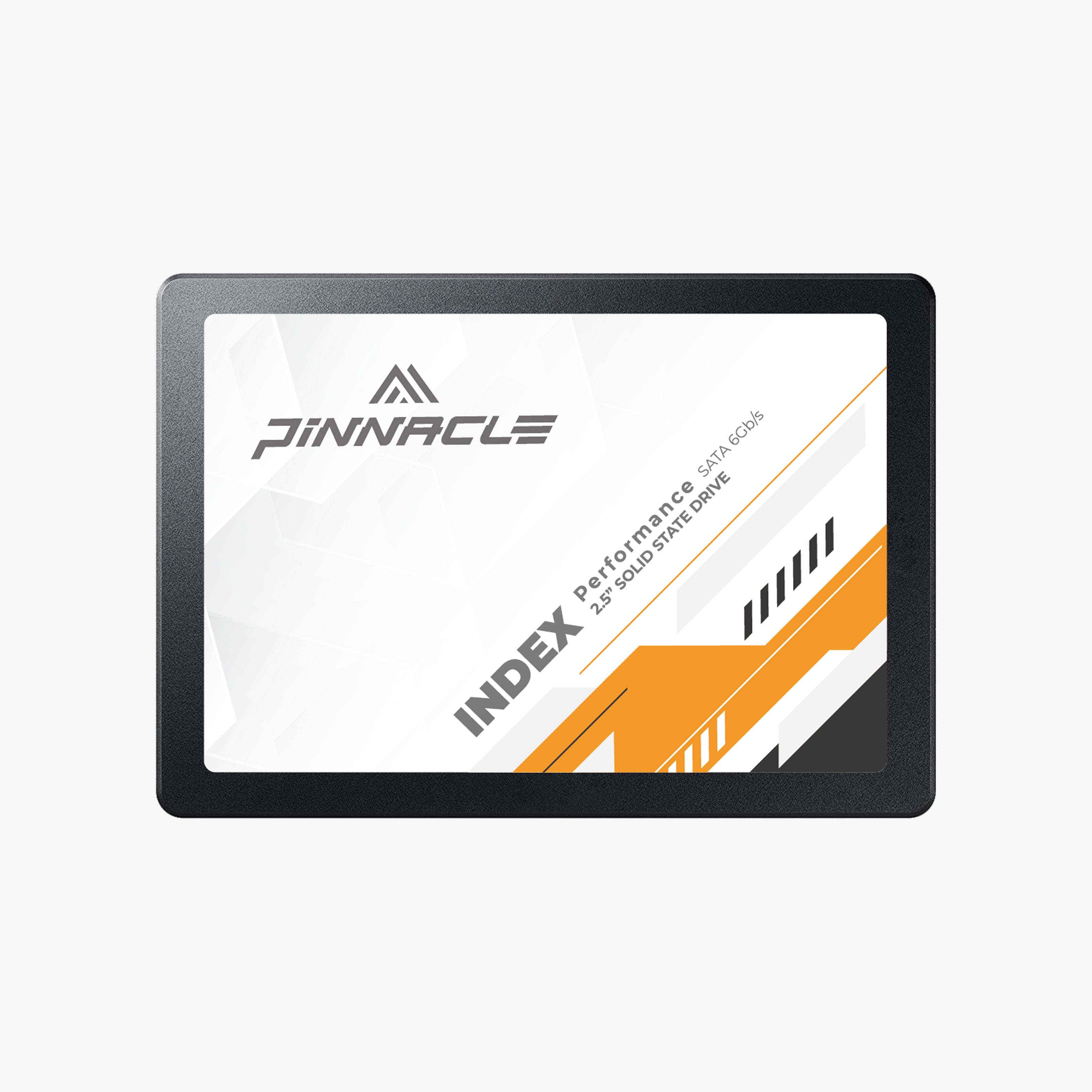
PINNACLE GAMING 2.5" SATA SSD
 Vendor:Pinnacle Gaming
PINNACLE GAMING 2.5" SATA SSD
- Regular price
- From $44.99
- Sale price
- From $44.99
- Regular price
-
-
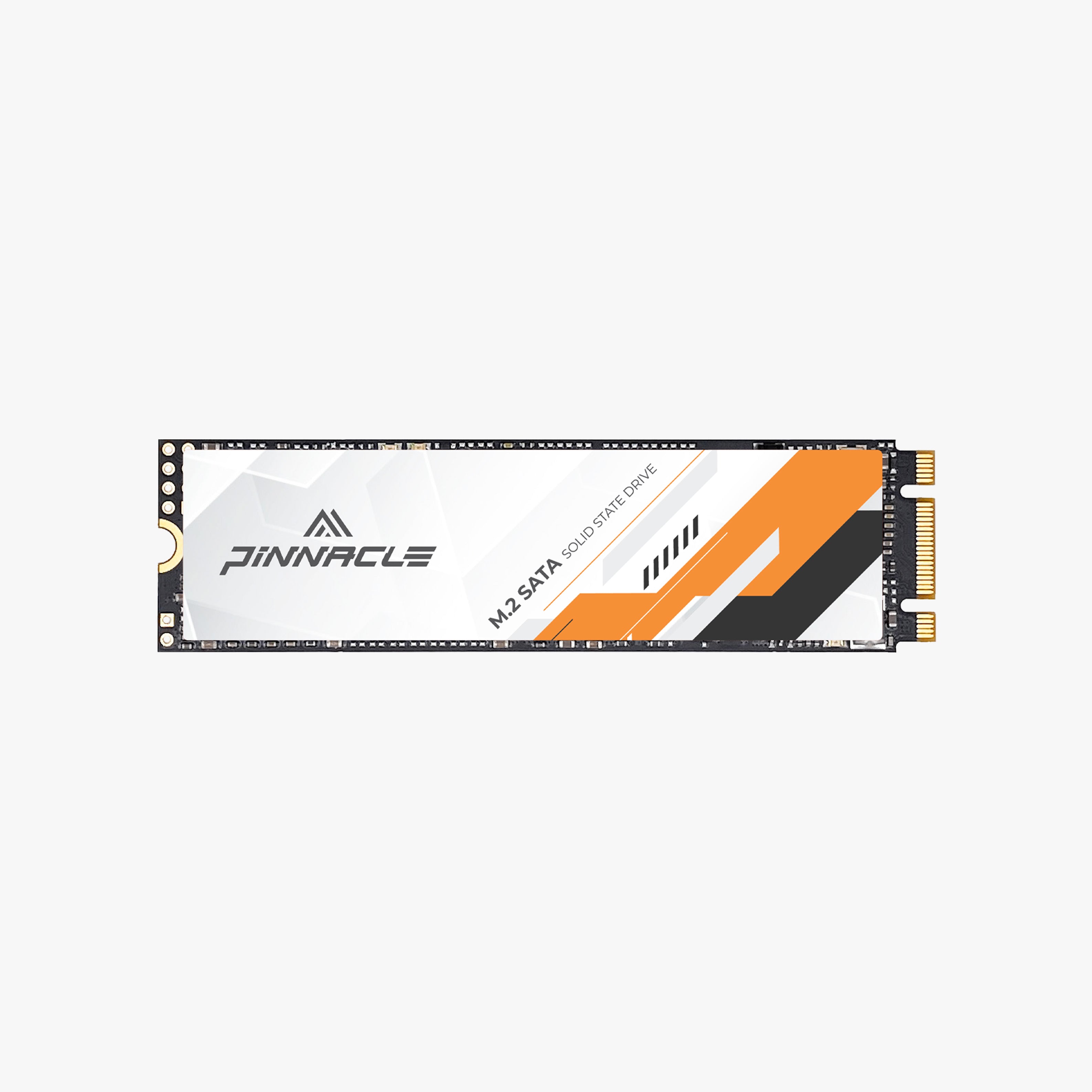
PINNACLE GAMING M.2 SATA SSD
 Vendor:TIMETEC
PINNACLE GAMING M.2 SATA SSD
- Regular price
- From $33.99
- Sale price
- From $33.99
- Regular price
-
FAQ
1
What is the difference between NVMe and SATA SSD?
NVMe SSDs use PCIe technology and deliver faster speeds, while SATA SSDs provide stable and affordable performance for everyday upgrades.
2
Will an SSD make my laptop faster?
Yes. Upgrading from HDD to SSD significantly improves boot time, application loading, and overall responsiveness.
3
How much SSD capacity do I need?
It depends on usage. 512GB works for daily tasks, 1TB suits gaming and multitasking, and 2TB+ is ideal for professional workloads.
4
Is Timetec SSD compatible with my device?
Timetec SSDs support most laptops and desktops. Check interface type (NVMe or SATA) before upgrading.
5
Is SSD better than HDD?
SSDs are faster, more durable, and consume less power compared to traditional hard drives.